


Audit App for all facility measurements
Digitize all your facility inspections with one flexible app. From HACCP to experience measurements, from mystery visits to quality audits.
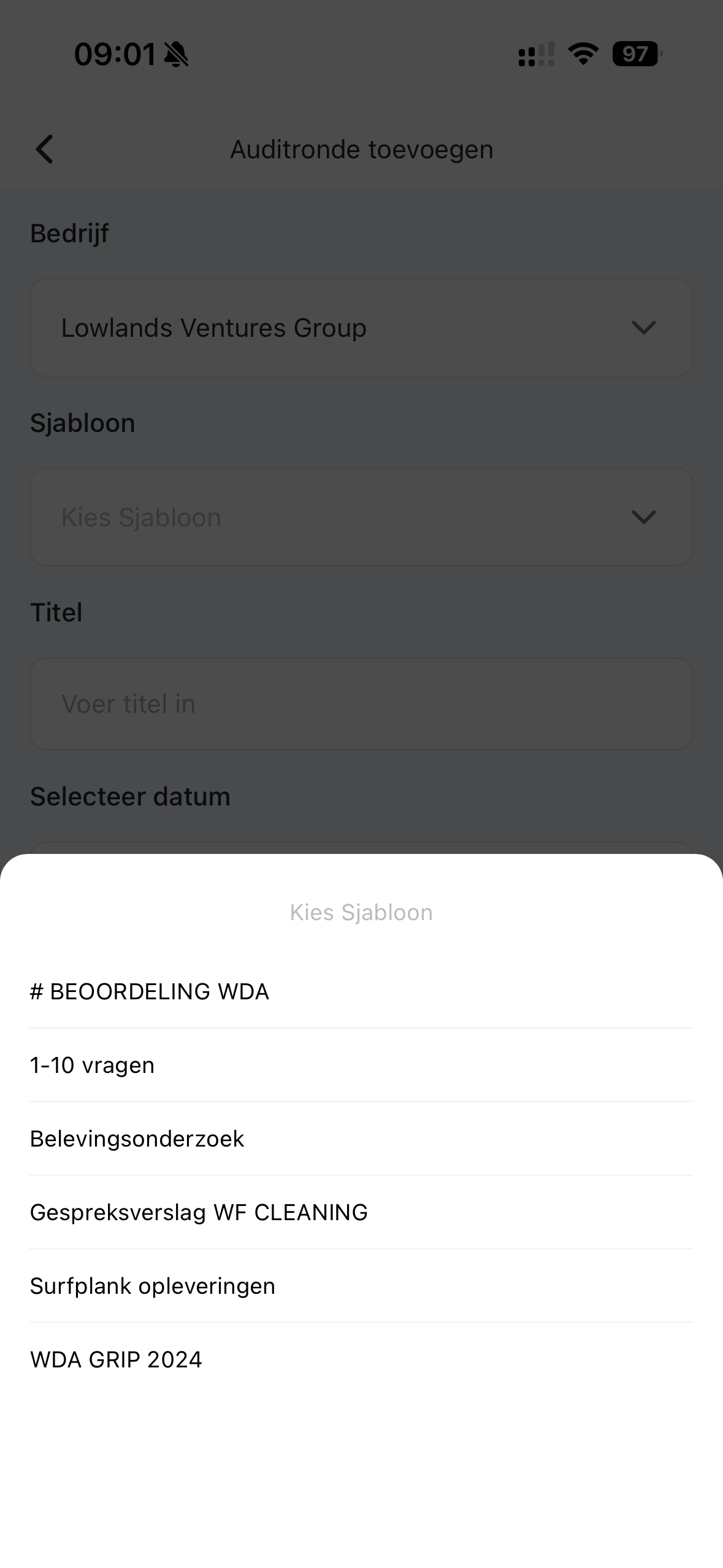
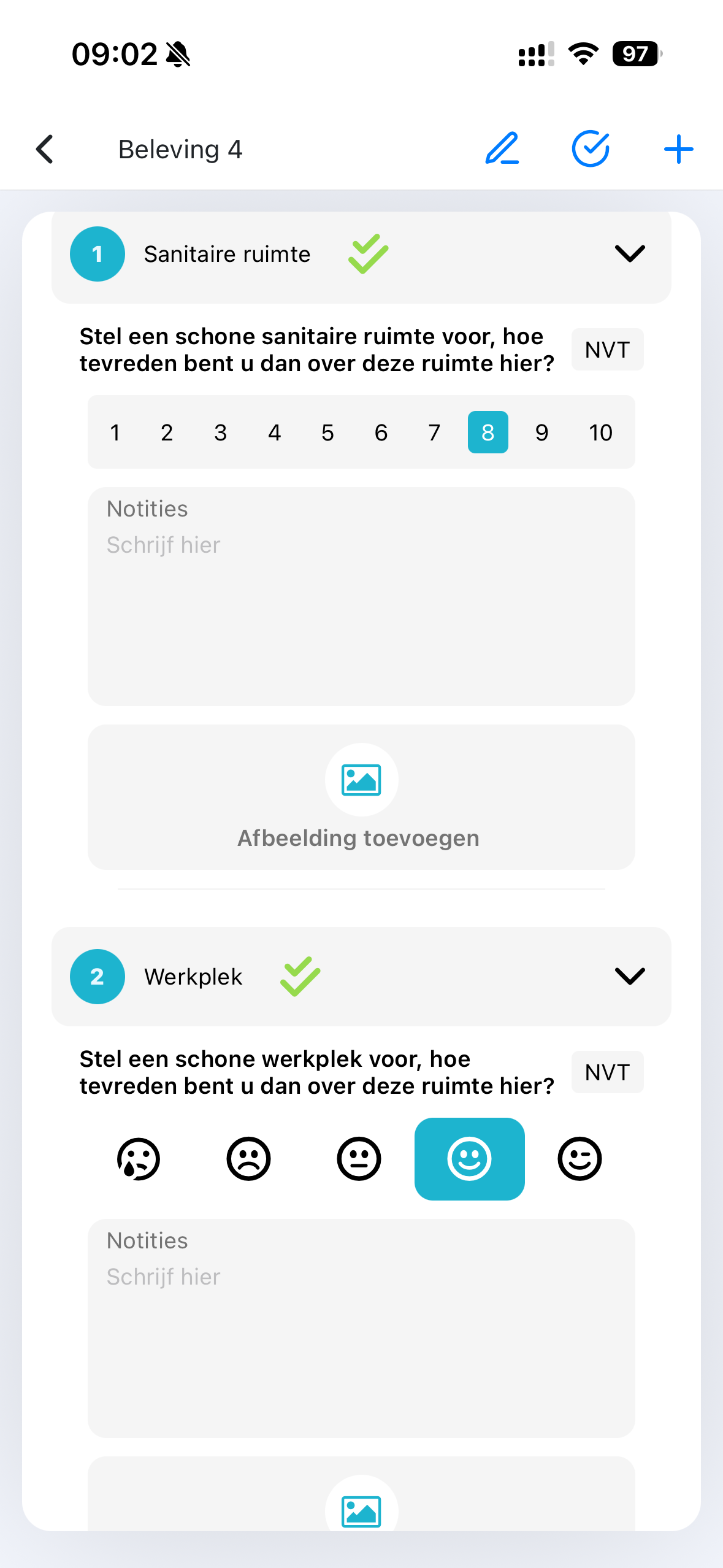
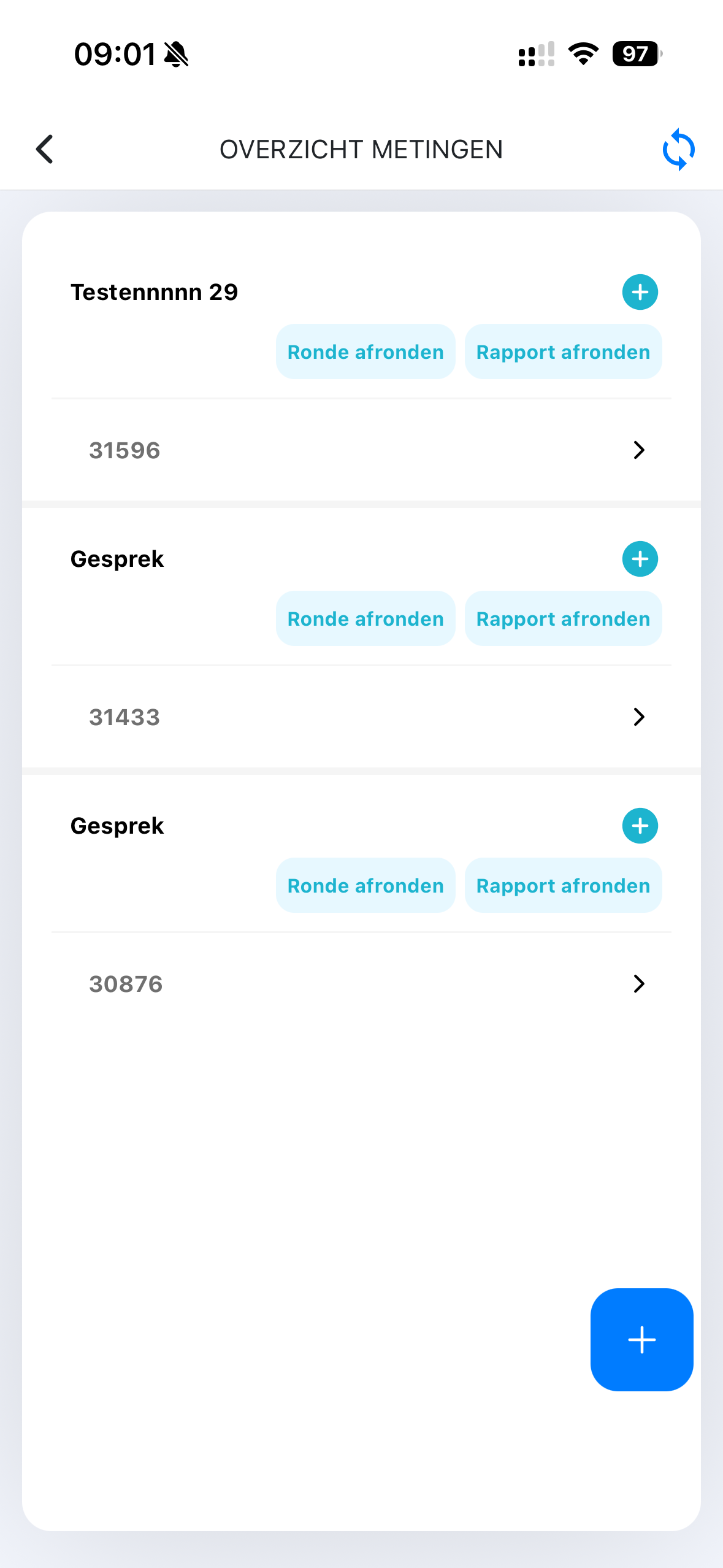
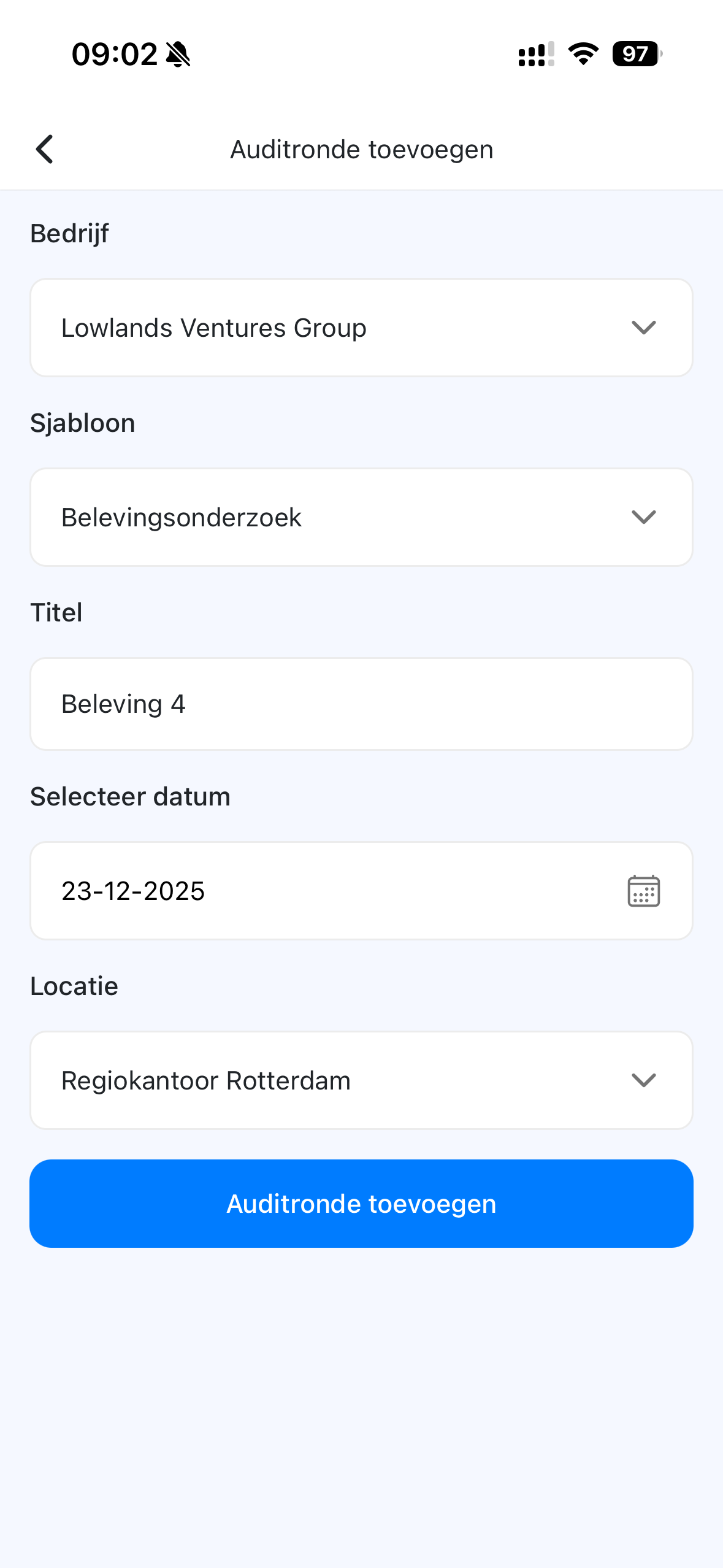
How the Audit App works
From questionnaire selection to reporting – all in one workflow. Click a step to see how it works.
Select audit
Choose the audit type and location where you will perform the inspection.
Complete questionnaire
Answer questions with scores, yes/no or text. Add photos where needed.
Record deviations
Register deviations with photos and comments for clear documentation.
View results
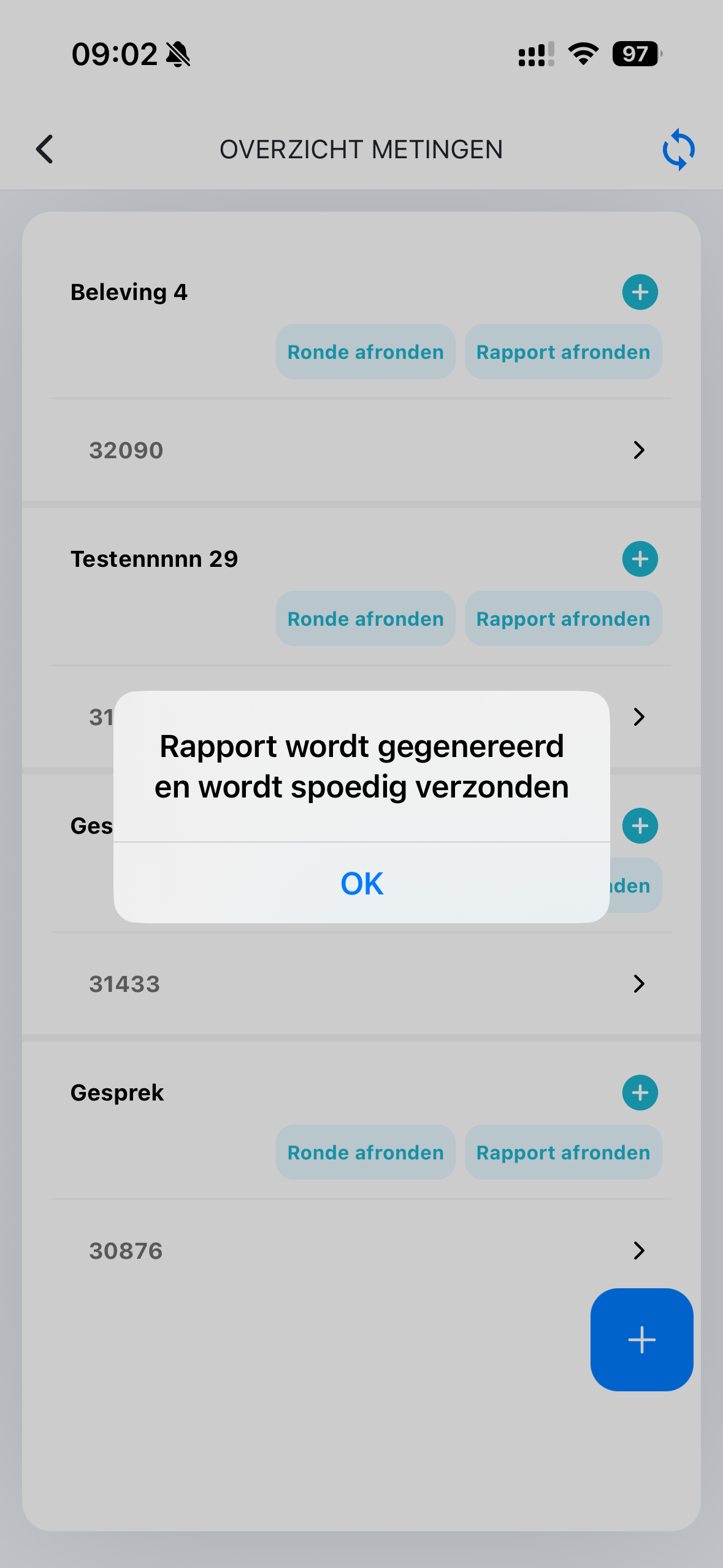
See the score immediately and which points require attention after completion.
Generate report
Automatically generate a professional PDF report in your branding.
Dashboard analysis
View trends and compare results over time in the central dashboard.
Audit Dashboard
Manage questionnaires, analyze results and generate reports from the central dashboard.
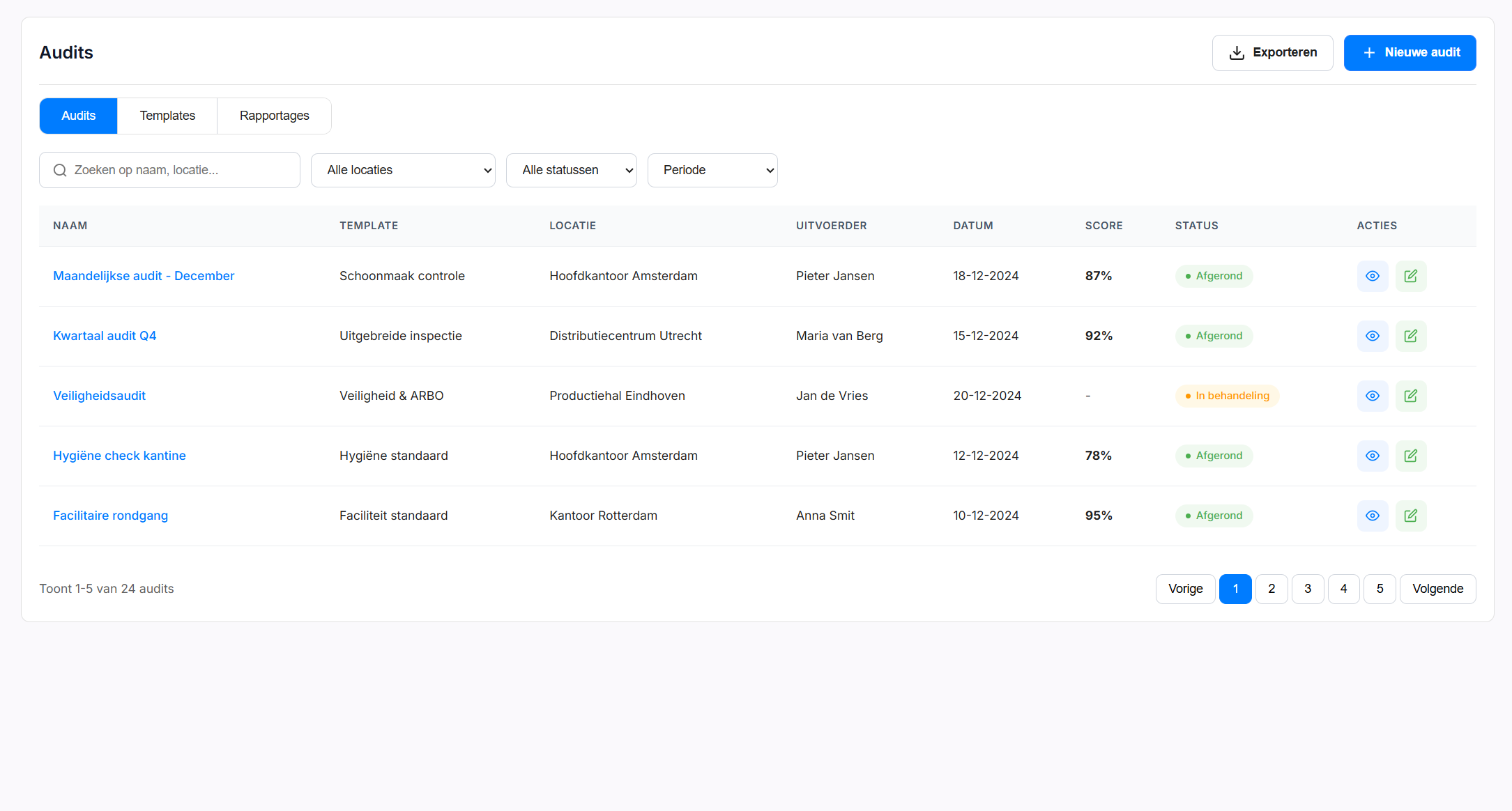
Dashboard overview
All audits, scores and trends at a glance.
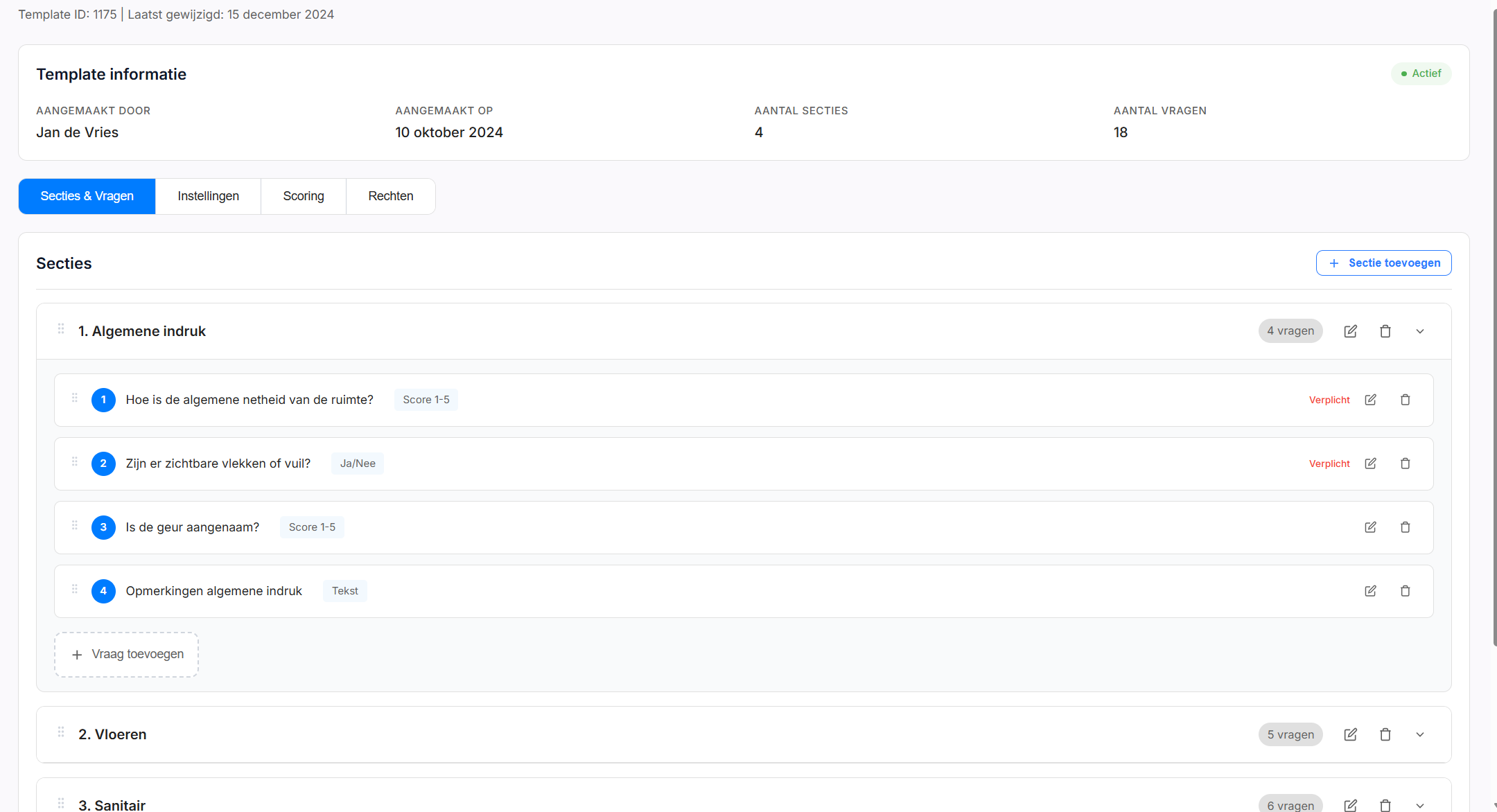
Manage questionnaires
Create and manage questionnaires for any type of inspection.
Audit: One app for all facility measurements
The Audit App is designed for maximum flexibility. Use the same app for HACCP inspections, experience measurements, mystery visits and quality audits.
Frequently asked questions about the Audit App
Yes. You can create unlimited custom questionnaires with different question types: scores, yes/no, text and photos.
Yes. After each audit, a PDF report is automatically generated in your branding with logo and colors.
Yes. You can take photos with the app for any question. These are automatically included in the report.
Yes. Audits can be performed completely offline. Synchronization happens automatically when connected.
Yes. The app and reports are available in multiple languages, ideal for international organizations.
Ready for professional audits?
Discover how the Audit App takes your facility measurements to the next level.